Nexon Game Security in Sudden Attack Zero Point
Kernel-level anti-cheat install, troubleshooting, and what happens when you uninstall the game.
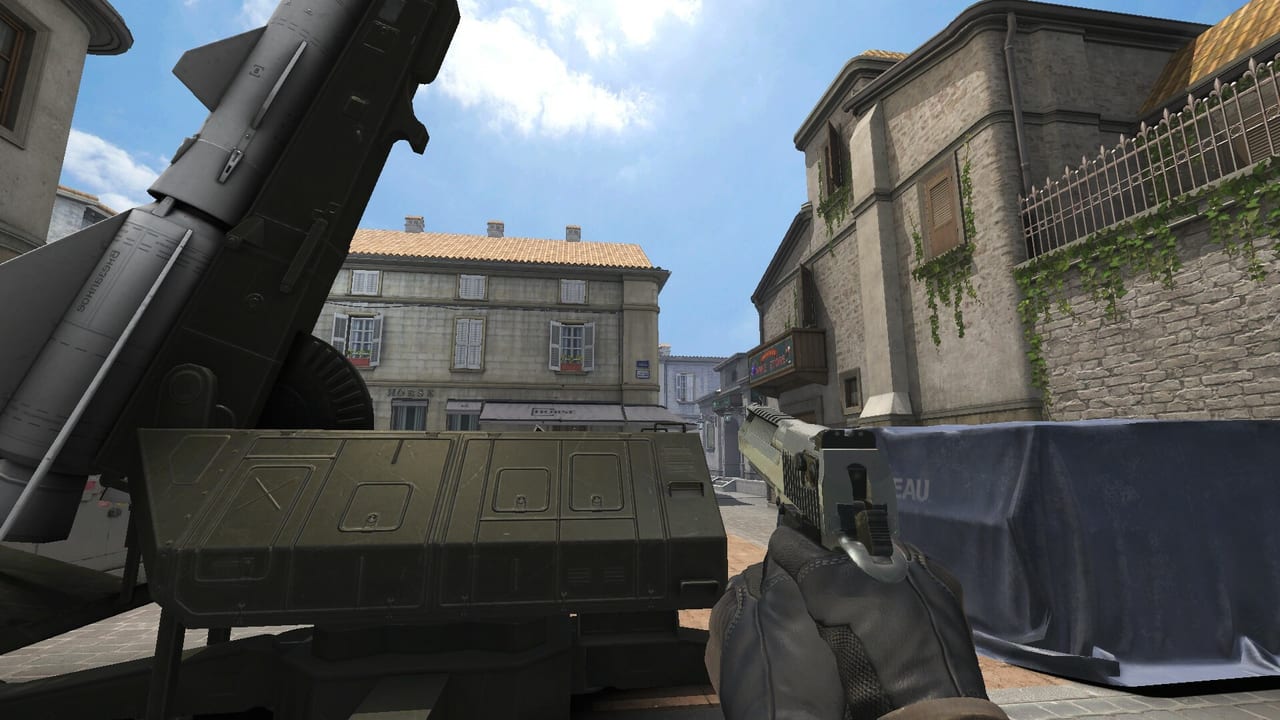
Sudden Attack Zero Point uses Nexon Game Security, a kernel-level anti-cheat listed on the Steam store for app 3576070. Competitive PC shooters rely on elevated drivers to catch cheats that hide from normal user-mode scans. This guide explains what that means for install day, shared PCs, conflicts with other anti-cheat stacks, and Steam’s note that the security component may require manual removal after you uninstall the game.
Pair this page with Early Access, Launch Week, and System Requirements.
What “kernel-level” means in plain language
User-mode anti-cheat watches the game process. Kernel-level anti-cheat installs a Windows driver that can inspect deeper system behavior. Trade-offs:
- Stronger cheat detection for Bomb Defusal and TDM integrity
- Admin prompts and possible reboot after first install or driver updates
- Higher privilege on your PC — read Nexon’s privacy policy on saz.nexon.com if that matters for your setup
- Potential conflicts with other kernel drivers (other competitive games, some VPN/firewall products, virtualization tools)
If you refuse the driver, assume live multiplayer will not work. Practice and bot modes sometimes remain available for map learning — use Practice & Bots while you troubleshoot.
Install flow on first launch
Typical first-run path after Steam download:
- Launch SAZ from Steam.
- Accept the Sudden Attack Zero Point EULA and Nexon Game Security prompts.
- Allow Windows to install the driver when UAC appears.
- Reboot if the client requests it — skipping reboot is the #1 cause of “stuck at matchmaking.”
- Relaunch and confirm you can enter a practice range before queueing Bomb Defusal.
Keep Steam online during install; offline launches may skip or fail driver registration.
Shared, work, and school PCs
Kernel AC is a poor fit for locked-down machines:
- Corporate images often block unsigned or third-party drivers.
- IT policies may flag Nexon Game Security as unauthorized software.
- Family PCs used by multiple Steam accounts still share one driver install — coordinate uninstall plans.
If you cannot install kernel drivers, do not expect a workaround for live queues. Wait for a permitted PC rather than chasing “AC bypass” tools (those are ban vectors).
Conflicts with other anti-cheat and tools
Common friction cases:
| Situation | What to try |
|---|---|
| Another kernel AC already loaded | Reboot clean, launch SAZ first, or uninstall the other title’s AC per its docs |
| Hyper-V / VBS / core isolation quirks | Temporarily adjust Windows security features only if you understand the risk; prefer Nexon support guidance |
| Aggressive third-party antivirus | Add Steam and SAZ folders to exclusions after verifying publisher authenticity |
| Overlay crashes (Discord, GPU overlays) | Disable overlays one at a time while testing |
Document exact error codes before posting in Discord — screenshots of driver install failures help support more than “game won’t start.”
Uninstall and manual removal
Steam explicitly notes that Nexon Game Security requires manual removal after game uninstall in some cases. After you remove Sudden Attack Zero Point:
- Uninstall via Steam as usual.
- Check Windows Apps & features for leftover Nexon Game Security / related security entries.
- Follow any removal utility or support article Nexon publishes on saz.nexon.com or Steam discussions.
- Reboot after removal.
- Confirm the driver no longer loads (Device Manager / publisher tools) if you are auditing a shared machine.
Do not download “AC removers” from random sites — stick to Steam and Nexon channels linked from Official Links.
Fair play and ban risk
Nexon Game Security exists because SAZ includes a player Black Market and competitive Bomb Defusal. Cheating destroys both. Avoid:
- Memory editors, aimbots, wallhacks, or macro scripts that automate recoil
- Account sharing that triggers security flags
- Third-party “FPS boost” injectors that hook the game process
Bans can wipe inventory value you planned to trade — see Black Market. Report cheaters through official in-game or Discord tools, not public doxxing.
Privacy expectations
Kernel AC vendors publish privacy statements describing what telemetry is collected. Before installing on a primary work machine:
- Read Nexon’s privacy policy and SAZ EULA
- Decide whether a dedicated gaming PC is preferable
- Remember generative-AI art disclosure on Steam is unrelated to anti-cheat — it only notes early concept art assistance
Performance notes
Well-behaved kernel AC usually costs a small CPU overhead. If FPS collapses only after AC install:
- Verify GPU drivers and Windows Game Mode settings from System Requirements
- Cap FPS slightly below refresh as suggested in Getting Started
- Check Updates for AC hotfixes during launch week
Nexon already raised max FPS and improved sniper ADS after CBT feedback — bring performance evidence to official channels if AC updates regress frame pacing.
Related reading
- Launch Week — day-zero checklist
- Early Access Guide — full EA scope
- Controls & Keybinds — input setup after AC is healthy
- Review — F2P and competitive expectations
Install Nexon Game Security deliberately, reboot when asked, and remove it cleanly when you leave the game. That is the entire competitive PC FPS contract for Sudden Attack Zero Point.
Frequently Asked Questions
Quick answers to the most common Sudden Attack Zero Point questions.
Does Sudden Attack Zero Point use kernel-level anti-cheat?
Yes. Steam lists Nexon Game Security, a kernel-level anti-cheat required for live multiplayer integrity.
Can I play without installing Nexon Game Security?
Assume no for live Bomb Defusal and TDM. Practice or bot modes may still work while you troubleshoot — see Practice & Bots.
Why does Steam say manual removal is required after uninstall?
Kernel drivers can remain after the Steam package is deleted. Check Apps & features and follow Nexon’s official removal steps from Official Links.
Will anti-cheat conflict with other games?
Sometimes. Other kernel AC stacks may need a clean reboot or temporary uninstall. Document errors and ask on discord.gg/saz-official.
Is Nexon Game Security malware?
No — it is Nexon’s competitive anti-cheat component. Only install from the official Steam client for app 3576070, never from third-party “cracked” launchers.